Bring what you have
Start with a PDF, a video, an audio recording, or an image.
Imagine if you could leap into a video and interact with its key object. Animant has the tools to make that a reality.
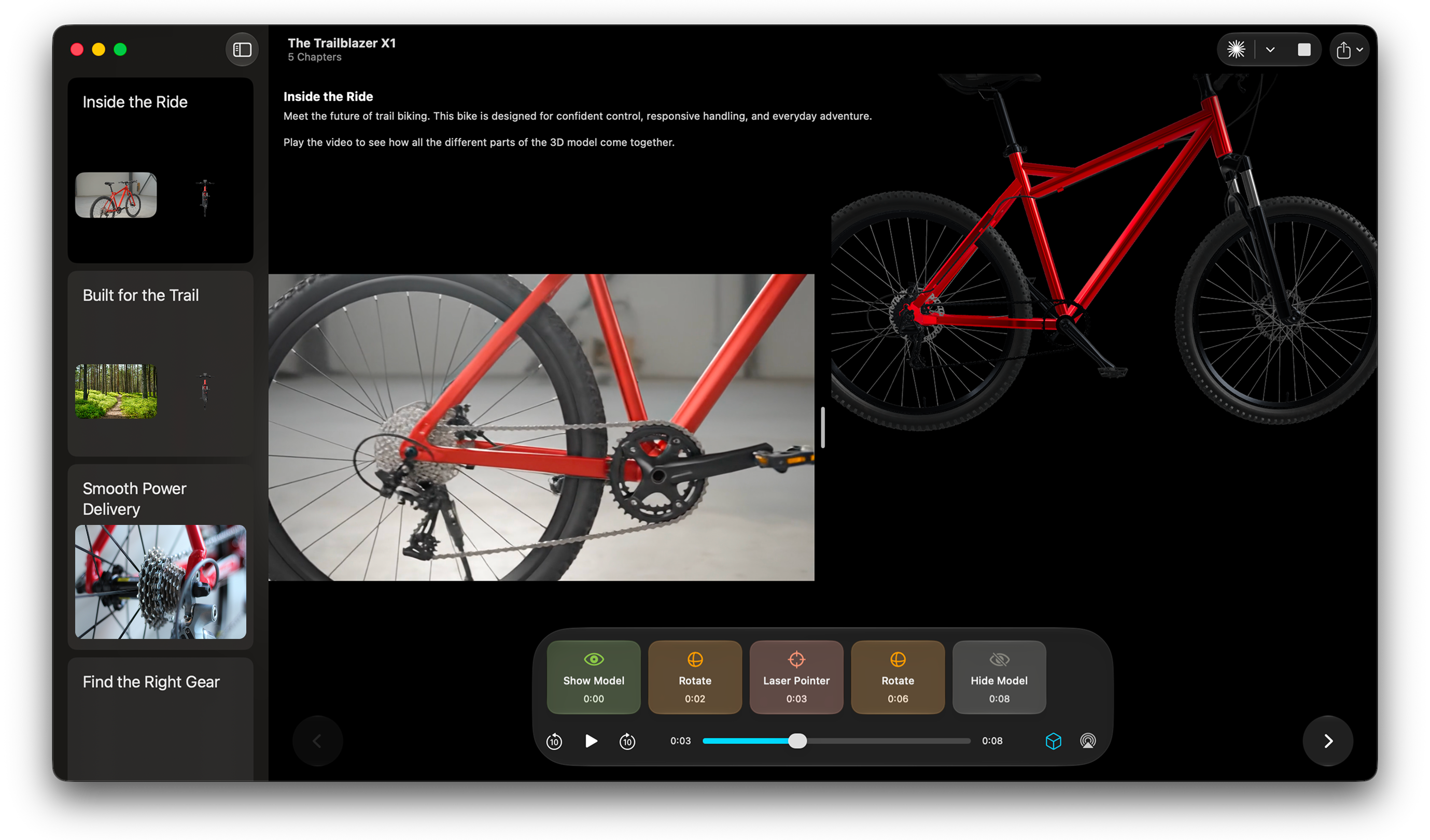
The camera decides where you look, how close, how fast. But some things need to be turned over, spun around, seen from every side to actually be understood.
Animant lets you add interactive 3D objects to the videos and media you already have—no motion-design skills required.
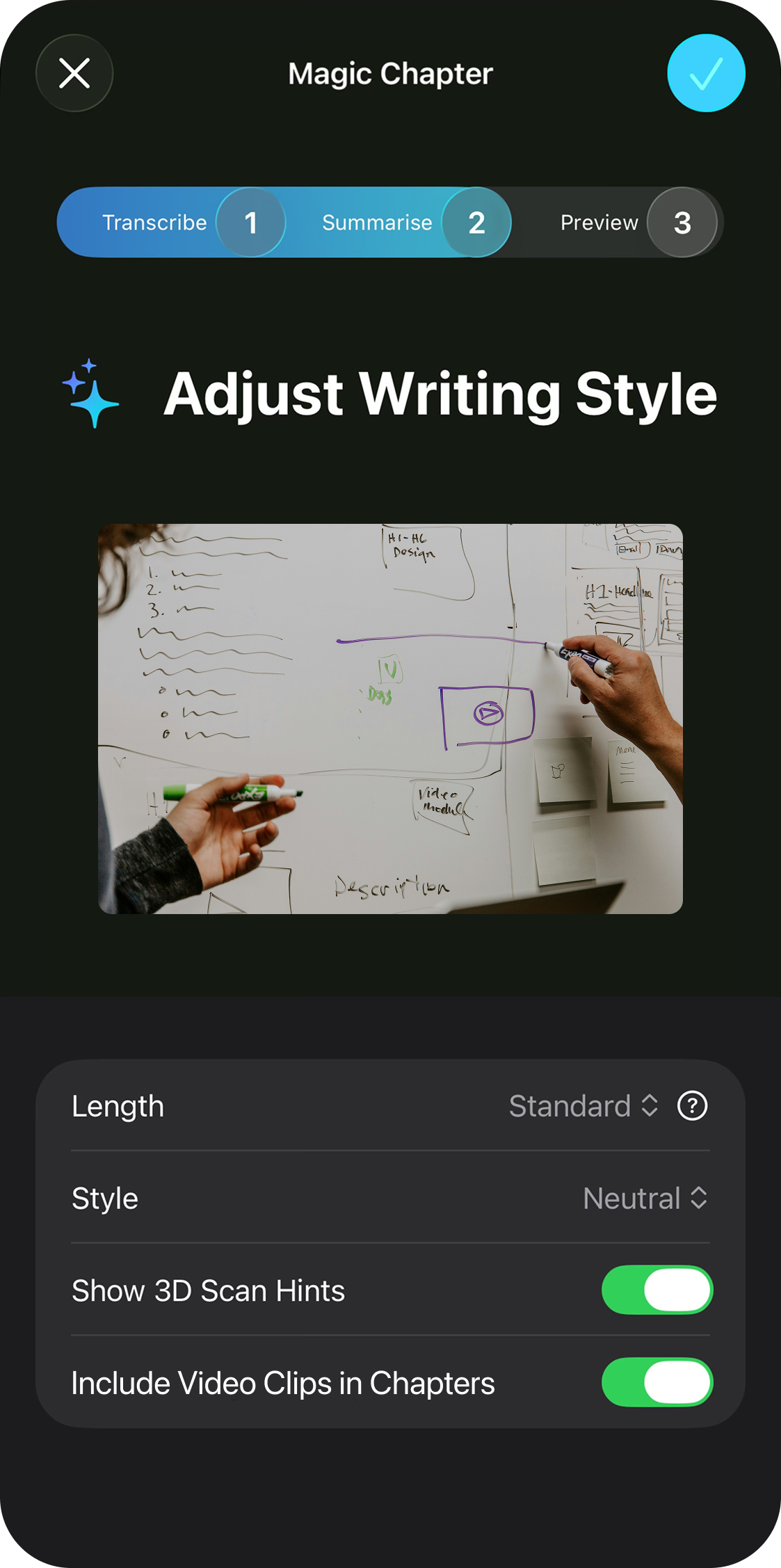
Start with a PDF, a video, an audio recording, or an image.
Magic Chapter identifies the important ideas, trims the noise, and builds a clear sequence.
Animant can suggest the best places to 3D scan objects according to your media's narration.
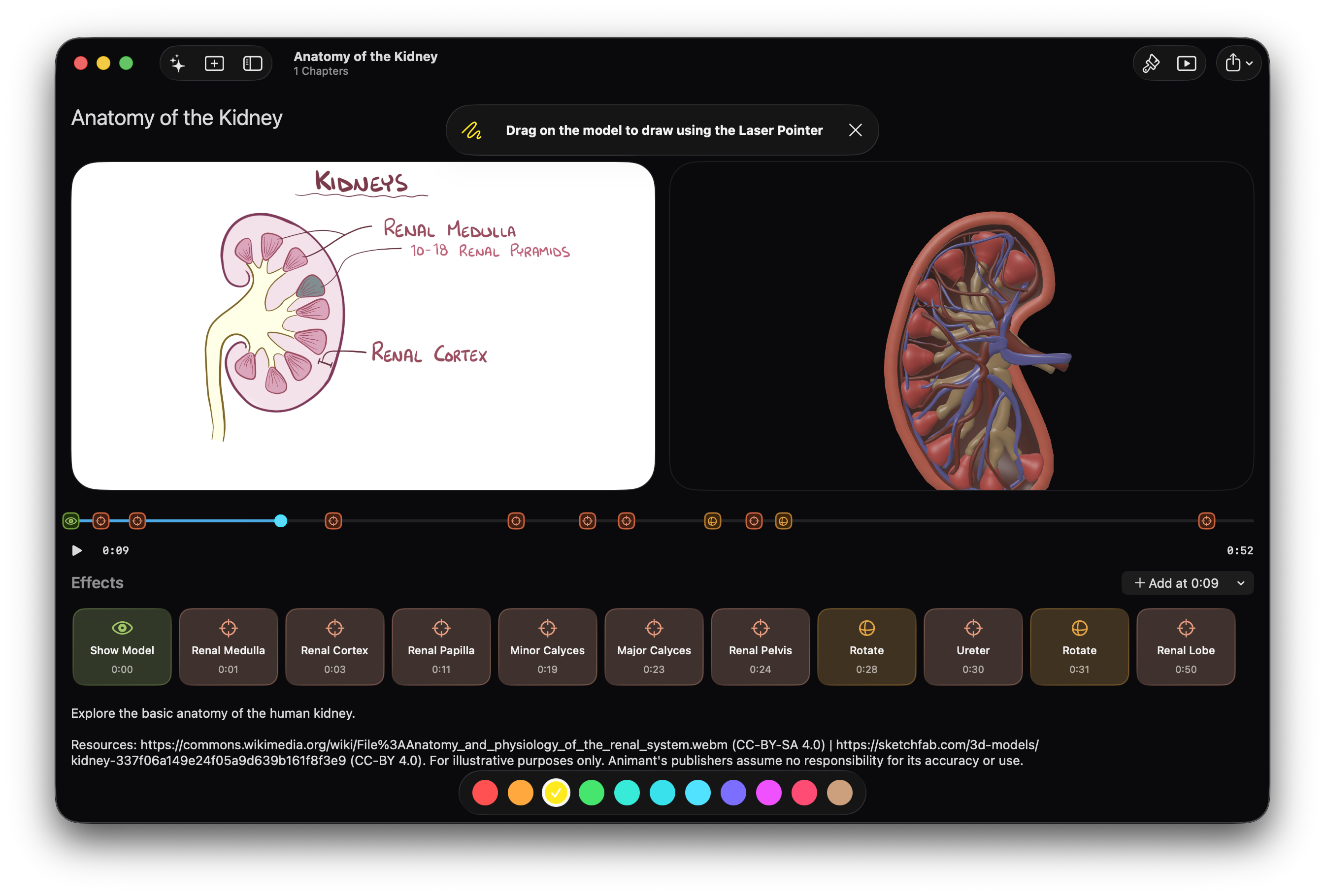
Media Effects lets you choreograph exactly what appears alongside your video. Show a model when it becomes relevant, hide it when attention should return to the footage, draw directly on it with a 3D laser pointer, and rotate it to the right view at specific timestamps.
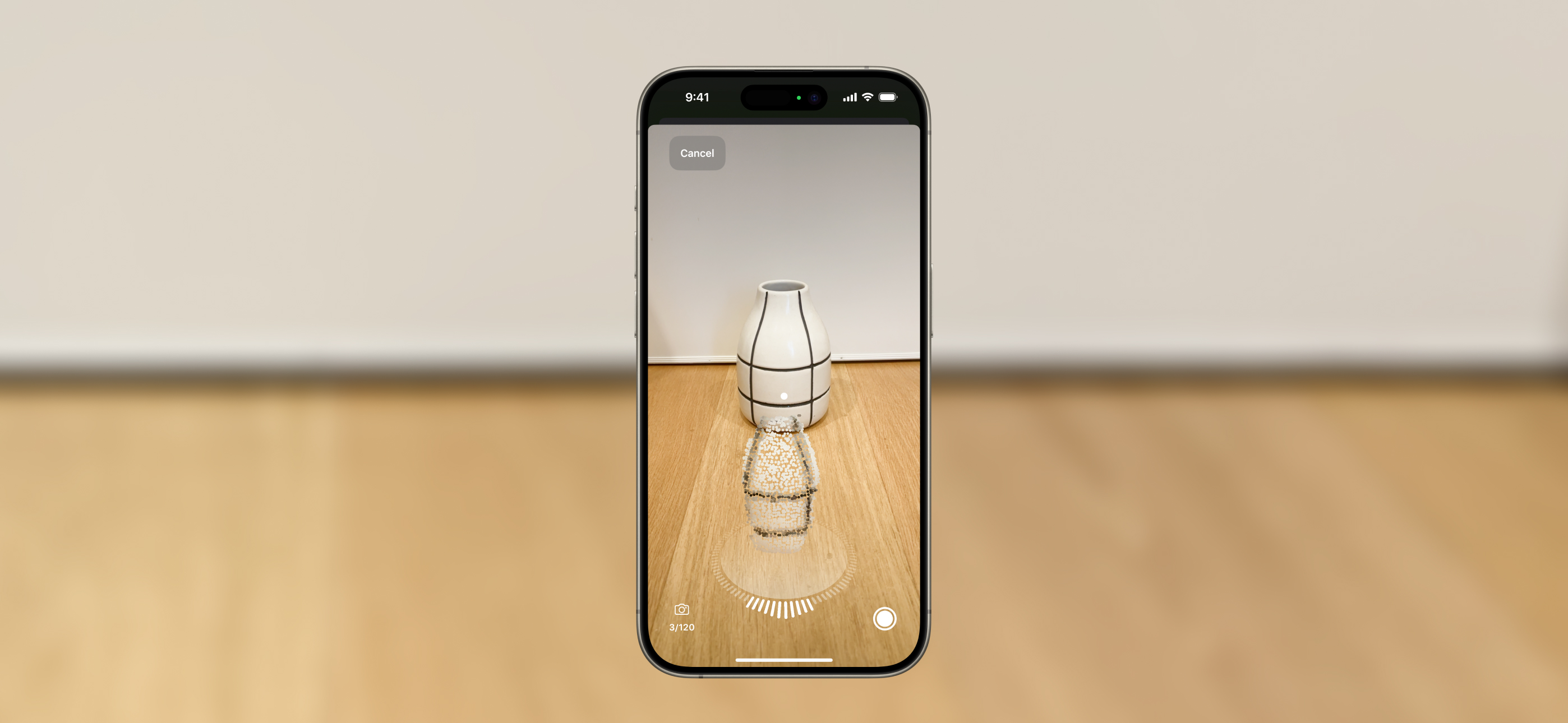
Turn a physical object into a detailed 3D model using a supported iPhone, iPad, or Mac. 3D scans happen on device, so your data stays private.
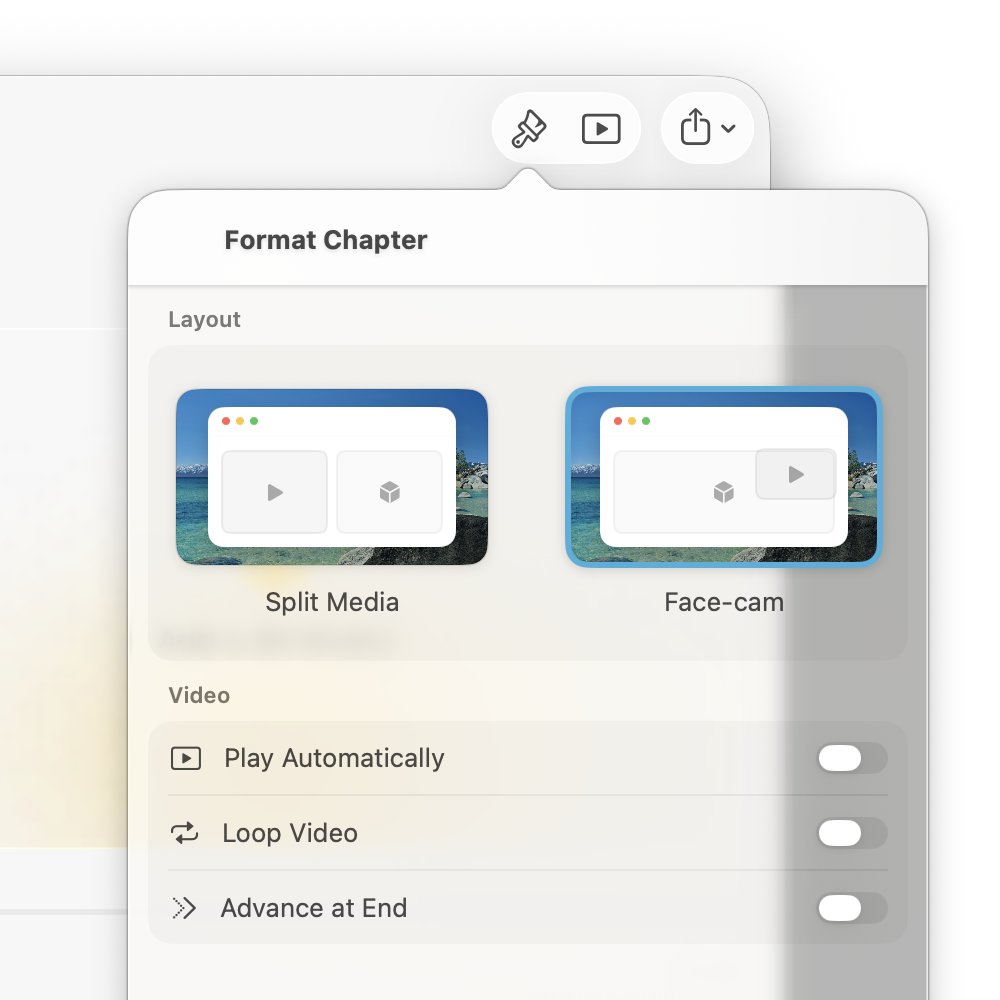
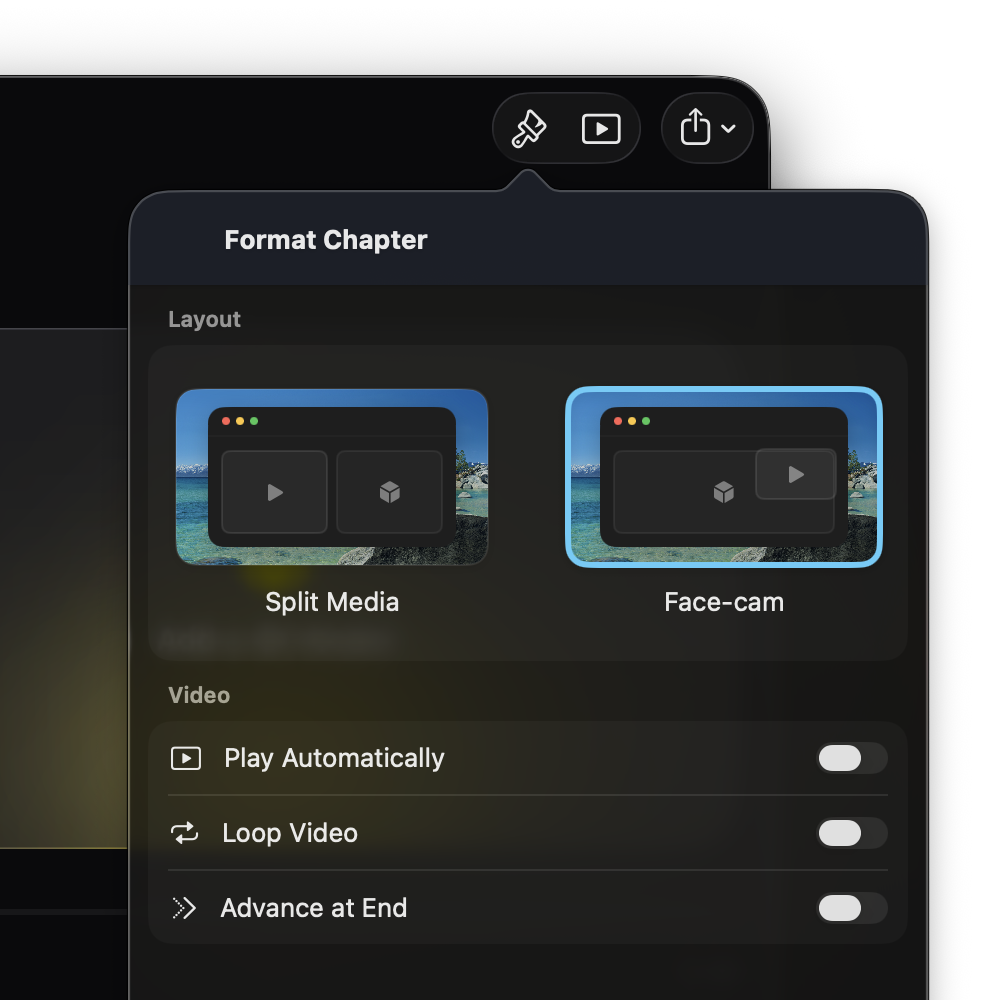
View chapters in split view to keep video and 3D side by side, or switch to face-cam when the presenter should stay in frame.
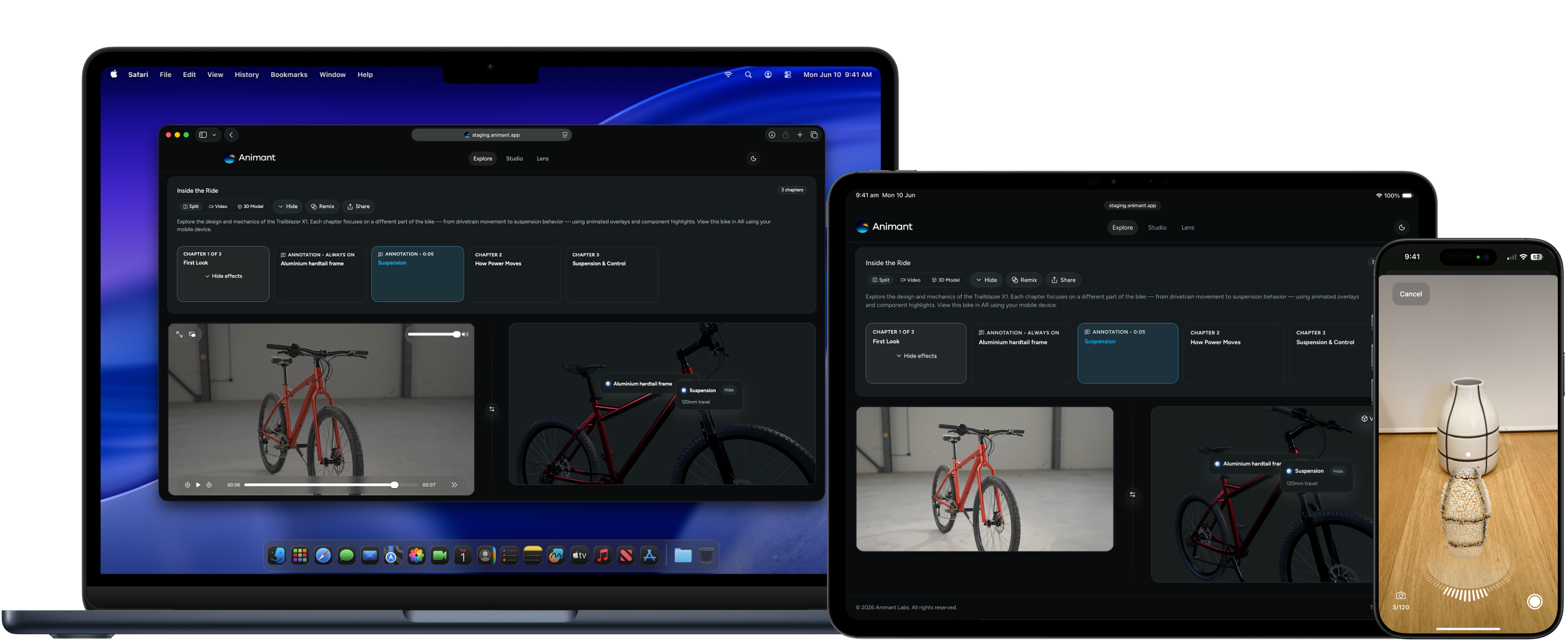
Make a story on your device and embed it on your website through Animant Cloud. Available on Enterprise plans. Contact us to learn more.
GUIDES
Ready-made stories that show how video and interactive 3D can work together. Start with a guide, then make one of your own.
Available for iOS 18+, iPadOS 18+, macOS Sequoia 15+, and visionOS 26+. Feature availability varies by device and operating system.
Get Animant