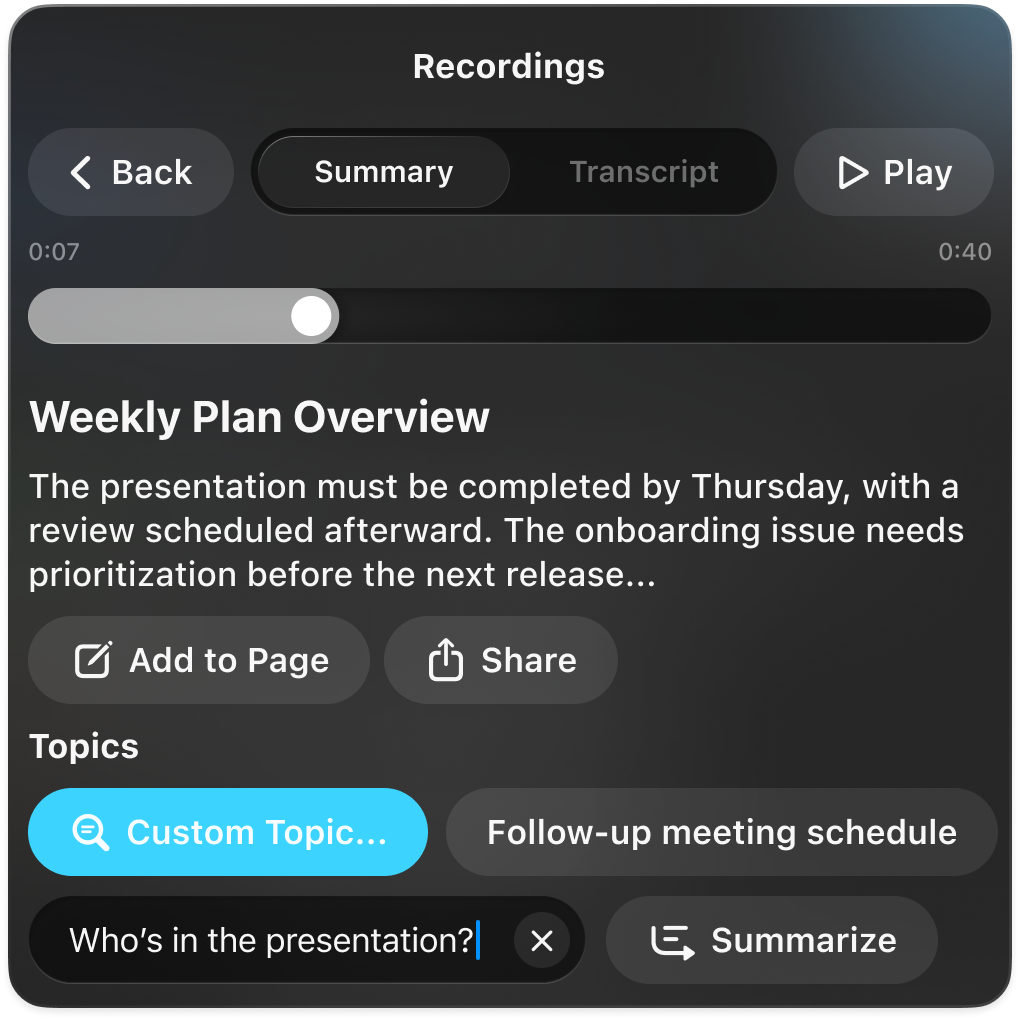
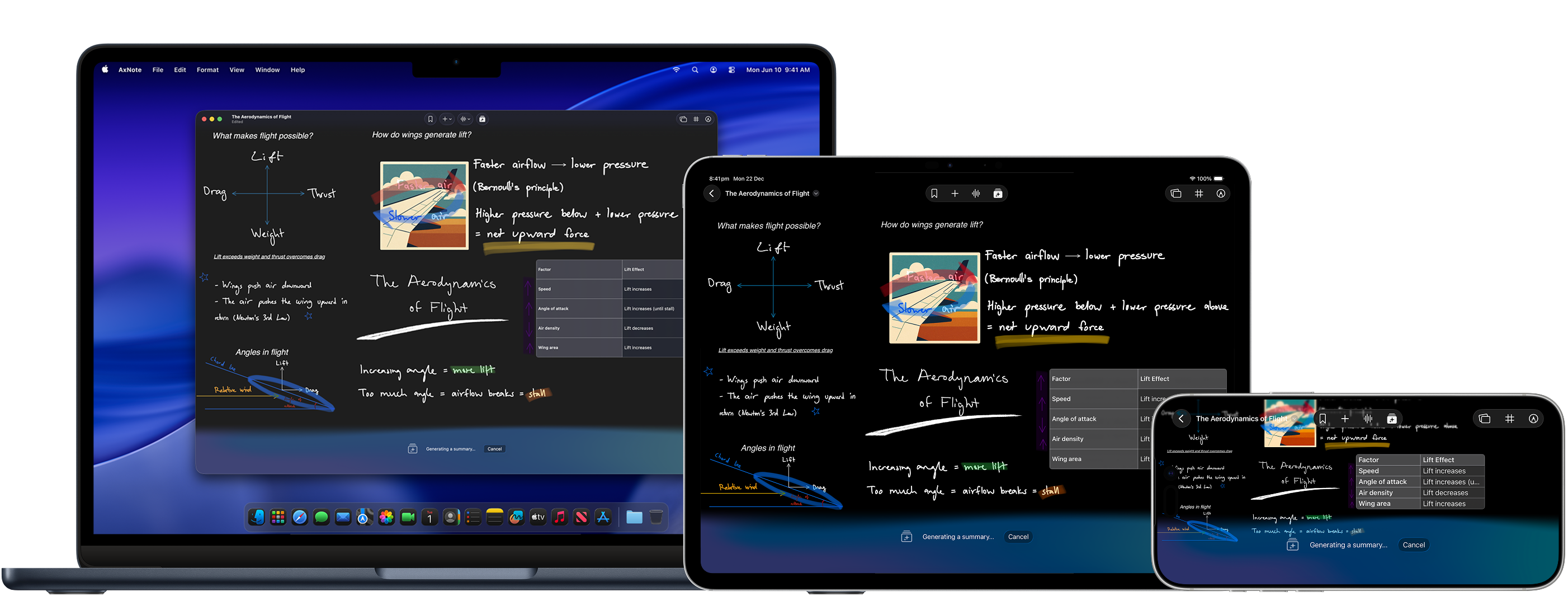
Instantly transcribe and see the key points in any recording — get the big picture before you listen, then ask questions to find specific details fast. Transcription and summarization happen entirely on-device*, so your notes stay private.
Text to flashcards in a flash.
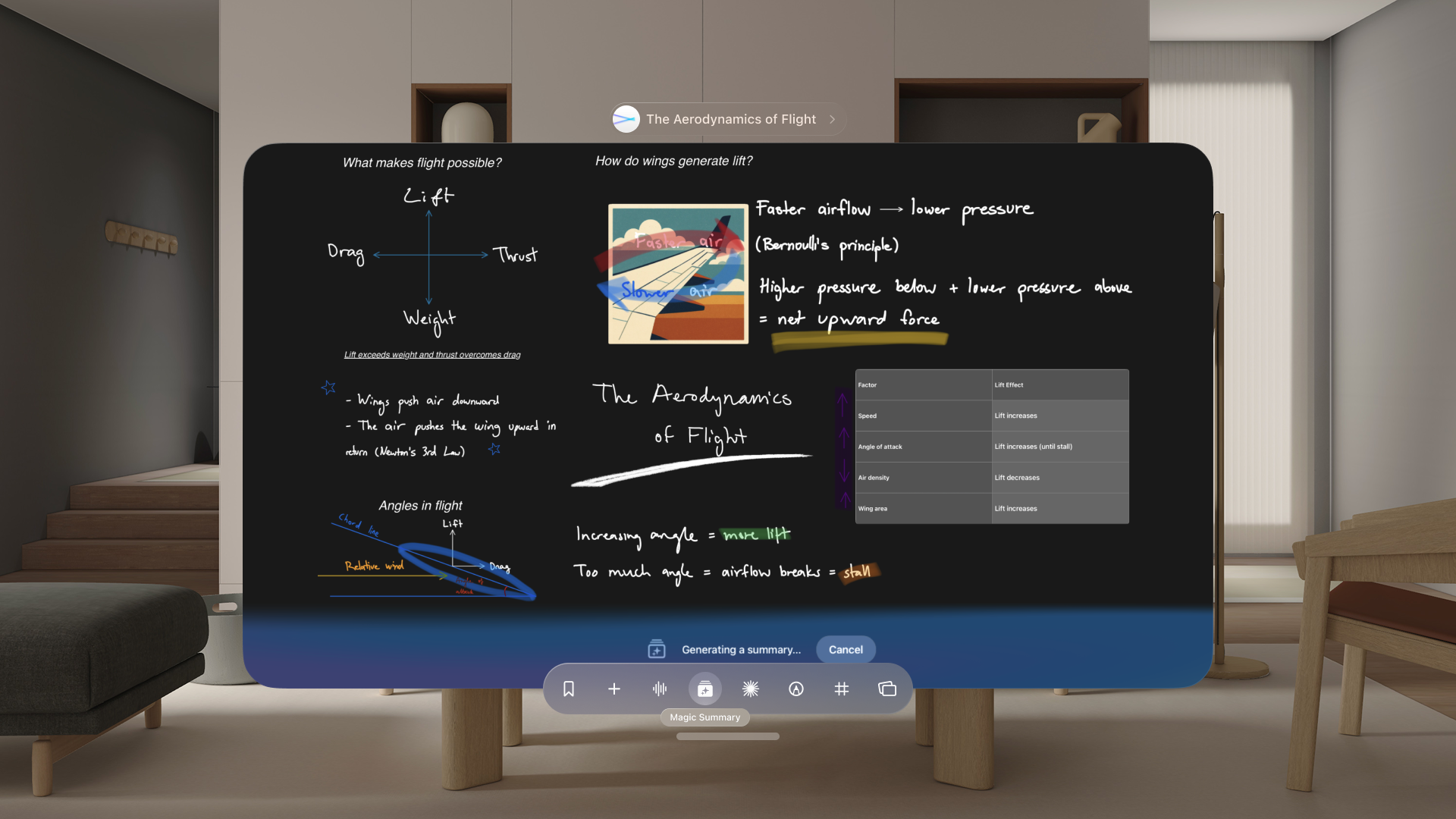
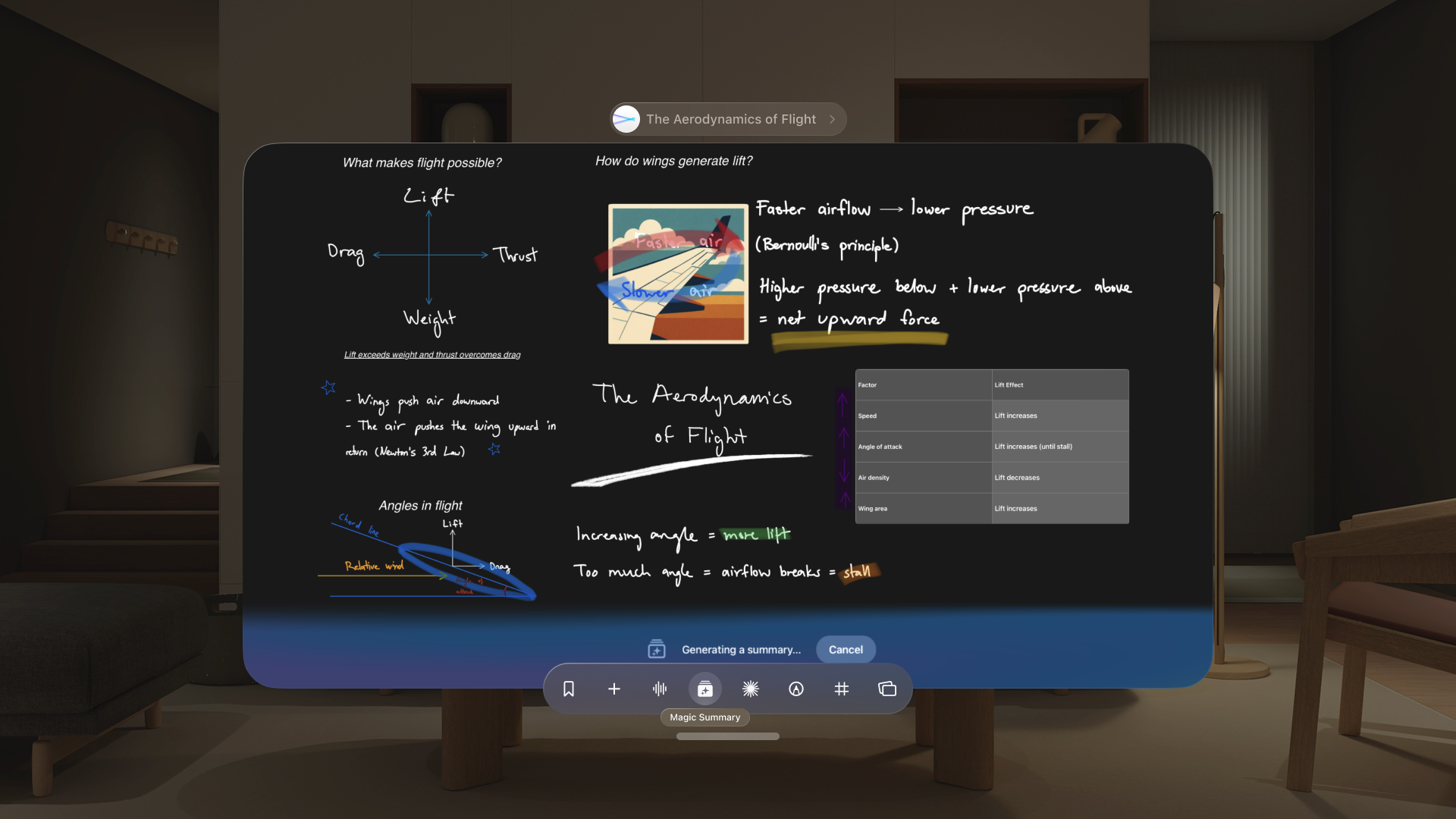
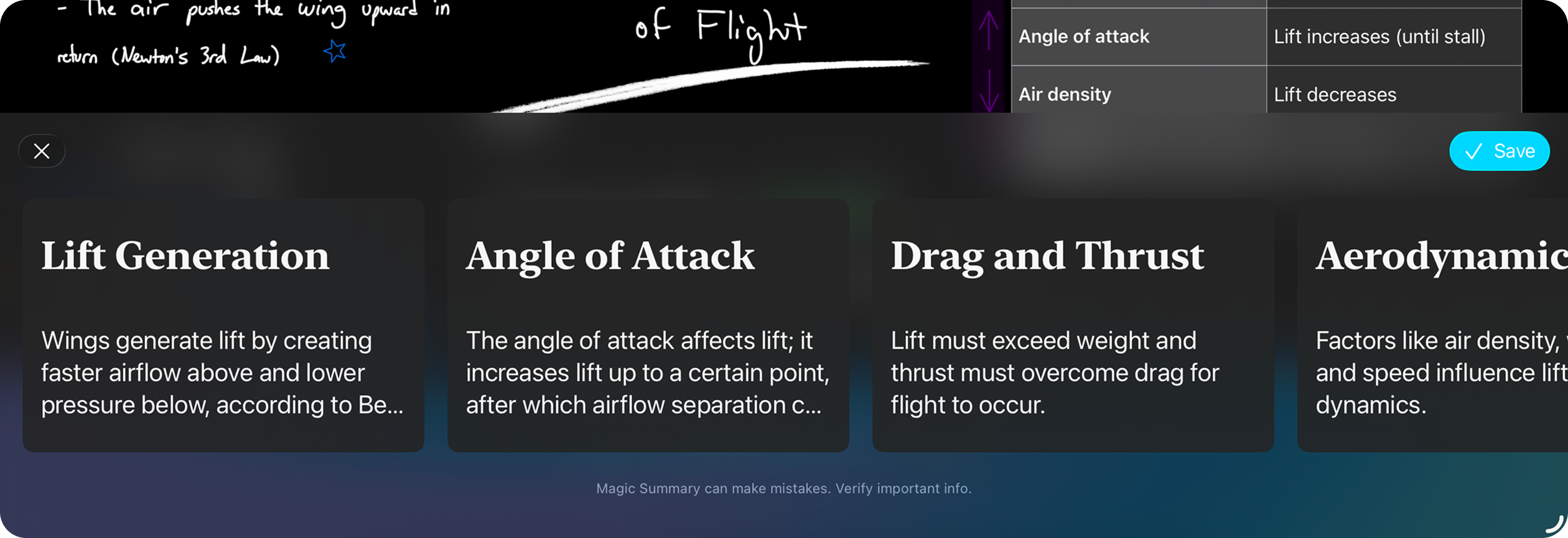
Magic Summary generates summary cards from your notes, perfect for quick reviews and study sessions*. You can even export them as a PDF or plain text for importing into tools like Anki.
Chart a new dimension.
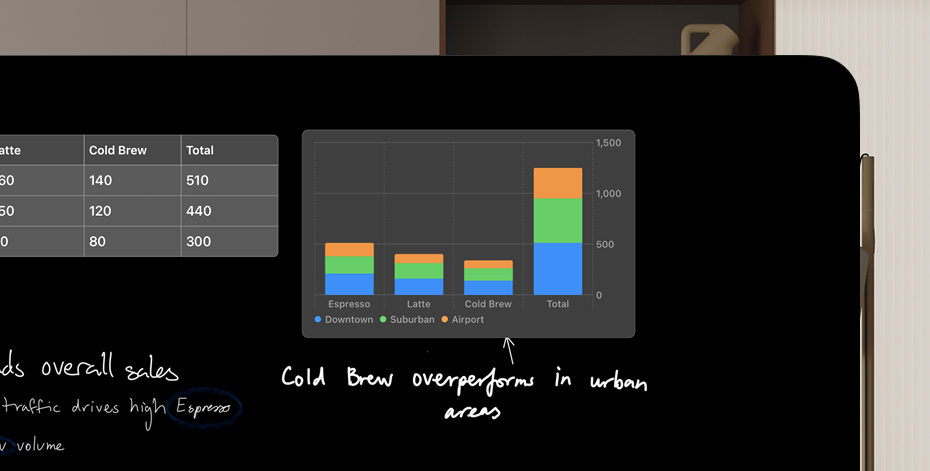
Tables and charts can be added alongside your handwriting and text. Charts update dynamically as your data changes and can even be displayed in 3D. AxNote also supports importing and exporting datasets in CSV format.
Get everyone on the same page.
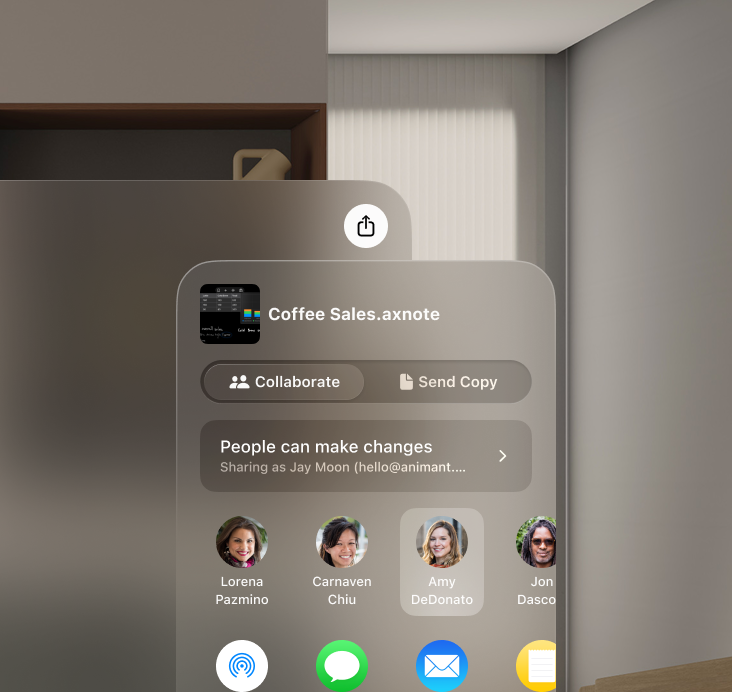
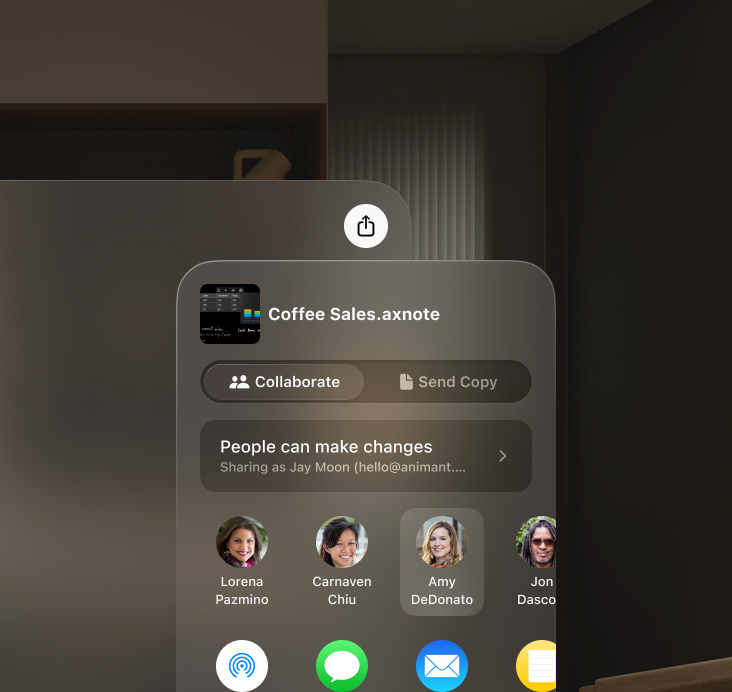
iCloud collaboration makes it simple to align teams and stakeholders.
Push the margins.
Write directly on lined, grid, or dot paper — or use a blank canvas for freeform ideas. Spacing and colours can be adapted to suit your style.
Pick a drive. Any drive.
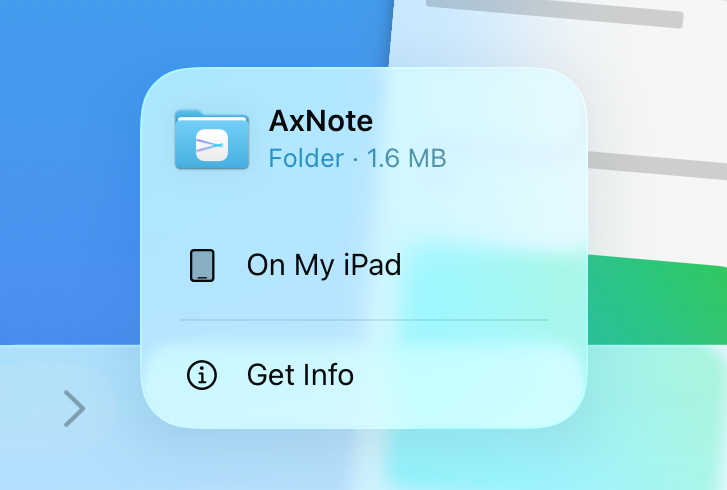
Store your documents in iCloud, Google Drive, OneDrive, or directly on your device. You have full control over where your notes live.
There’s more in the making.
There’s so much to explore in AxNote. Here are some of the highlights:
Notes are private. AI should be too.
You have full control over where you store your notes. AxNote's AI uses an Apple Intelligence model that run directly on your device and stays out of the way if you choose not to use it.
No internet? No problem.
Work offline; sync when you're back online. Transcription and summaries are generated directly on your device, so you don't need a connection after setup.
Break (language) barriers.
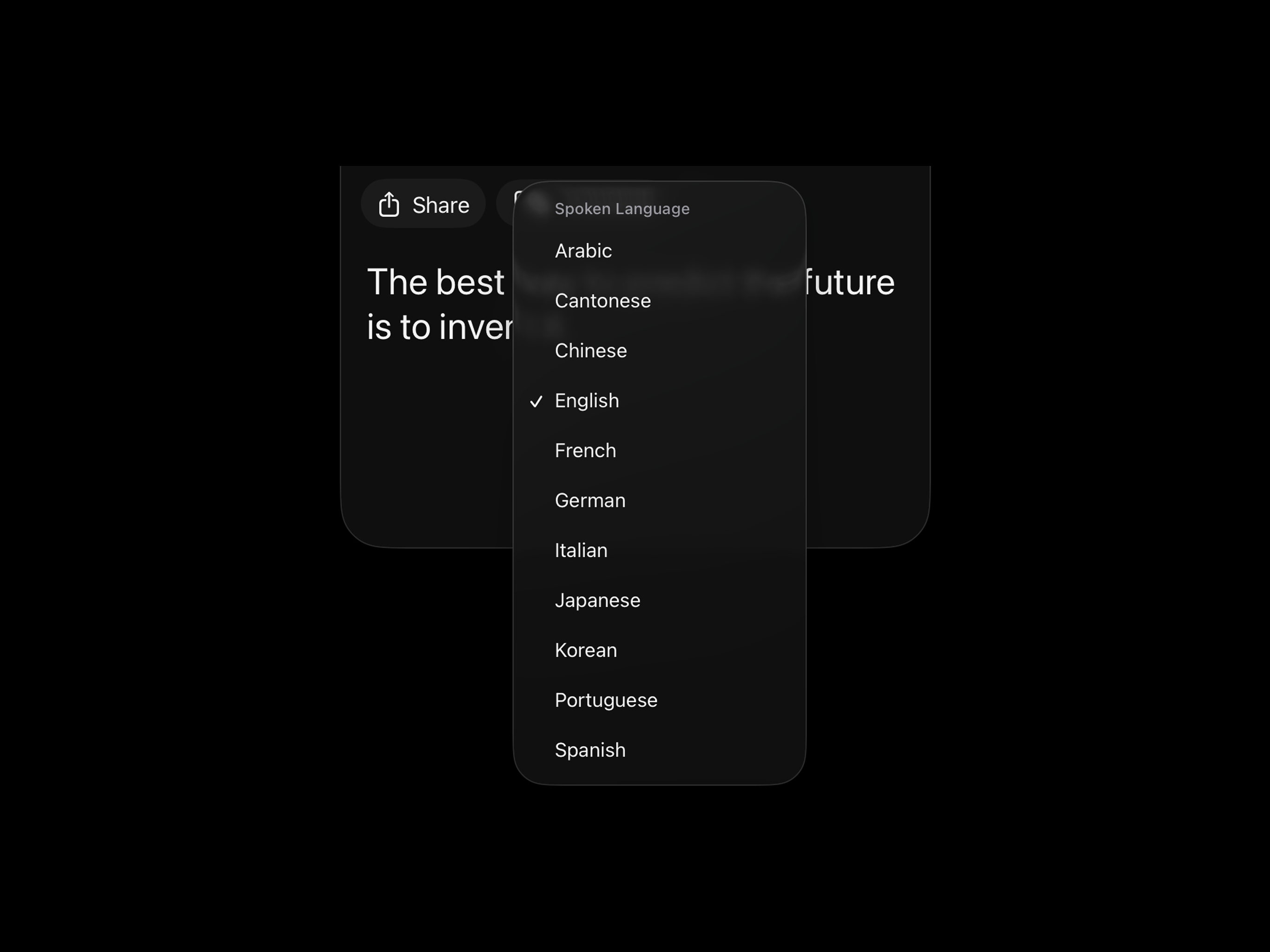
Transcribe and translate audio from nine languages. Magic Summary also works with many languages other than English.
Capture it. Scan it. Imagine it.
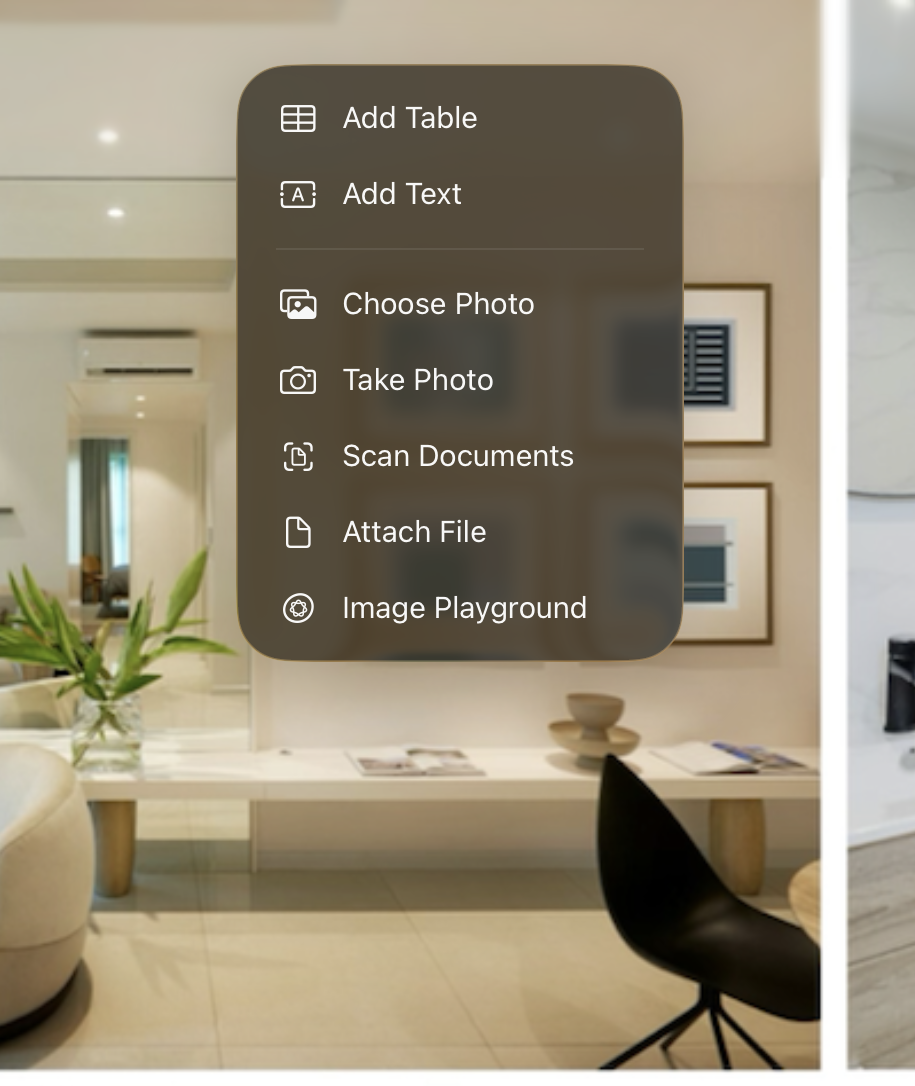
Scan physical documents with a built-in document scanner, record audio, and use Image Playground to generate images for your notes — all in one place.
Designed to be accessible.
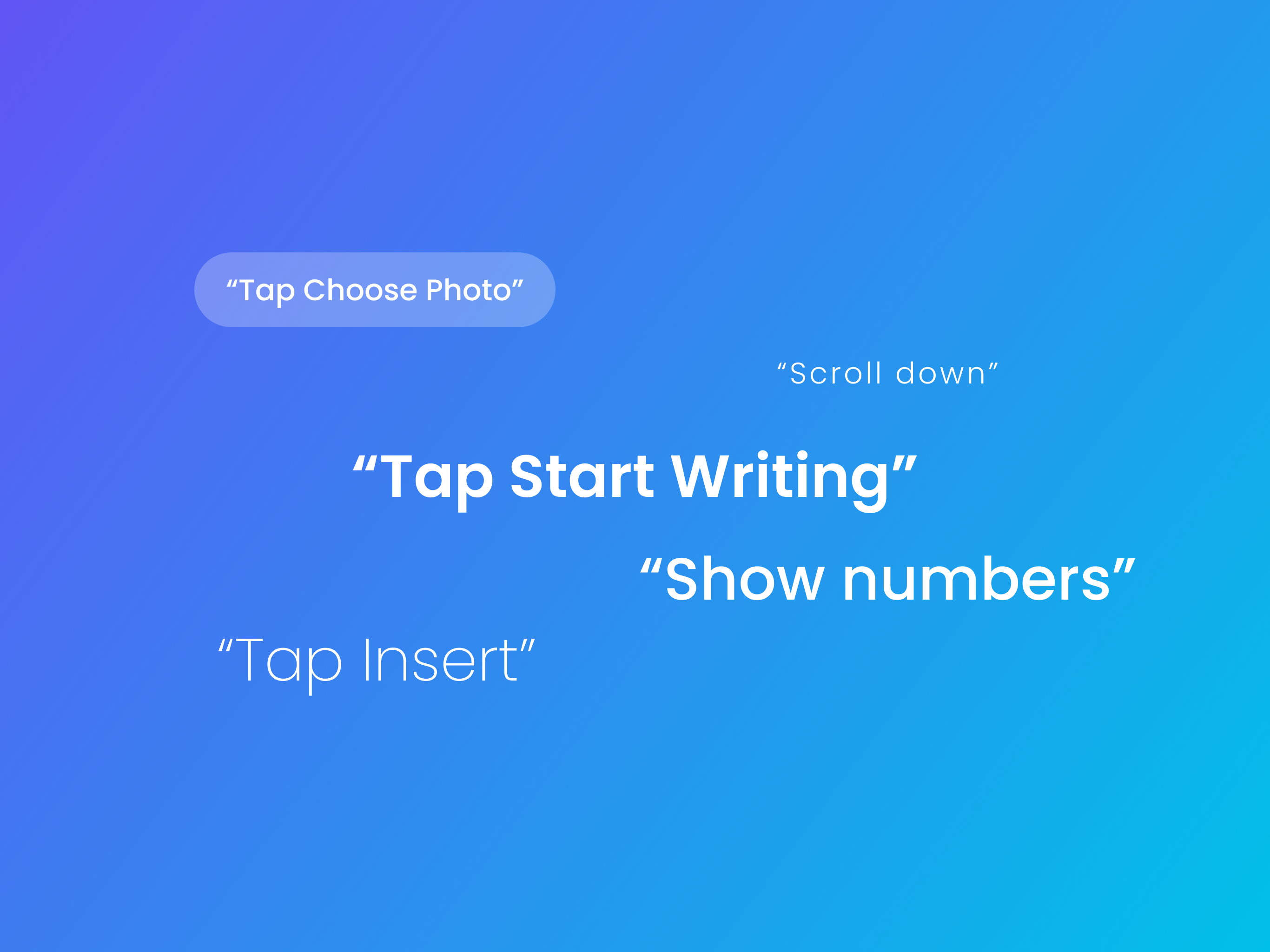
AxNote is designed with accessibility in mind for features like VoiceOver, Voice Control, and Larger Text. So you can use it your way.
Buy it once. Love it forever.
Say goodbye to subscriptions. AxNote+ is a one-time purchase that gives you unlimited access to all features with optional Family Sharing.